
Automations & approvals
Let the workflow move itself forward — while a human still approves what matters.
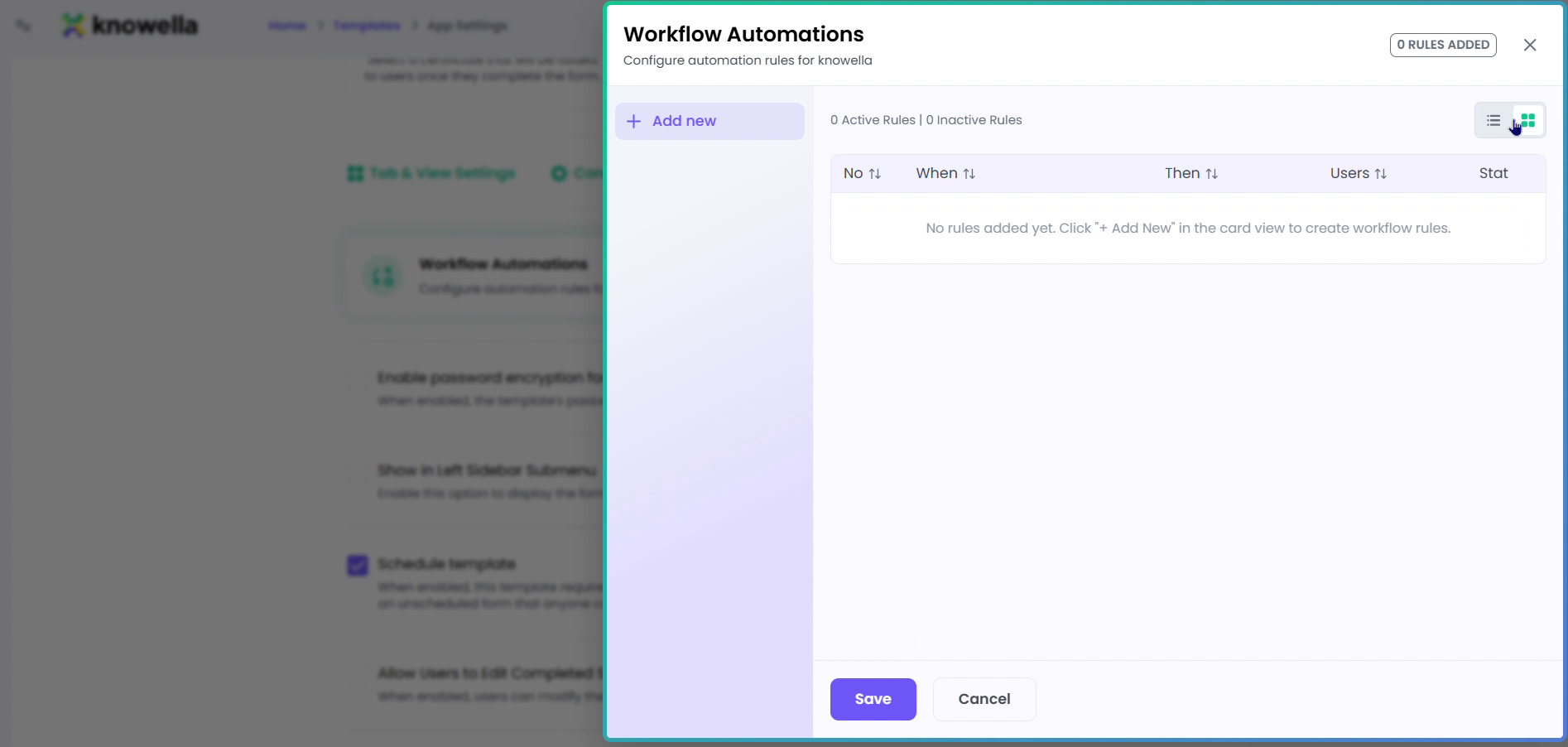
Add workflow automations
The panel shown is Workflow Automations, reached from a template's App Settings. Here you define rules that move work forward on their own: a trigger — a submission, a status change, a due date, a field value — paired with an action such as assign, notify, create a linked record, or open a CAPA. Crucially, anything that commits can be routed to an approver first, so the automation proposes and a person signs off — which is what keeps the speed safe.
- Triggers — Fire on submit, status change, due date, or a field value.
- Actions — Assign, notify, create a linked record, or open a CAPA.
- Approval gate — Human-in-the-loop — an agent proposes, a person approves before anything commits.
Triggers and actions
An automation fires on an event — a submission, a status change, a due date, a field value — and runs an action: assign it, notify someone, create a linked record, or open a CAPA. The busywork of shuttling work between people simply disappears.
The human stays in the loop
Anything that writes back or commits can be held at an approval gate, so an agent or automation proposes and a person signs off. You get the speed of automation with a complete, attributed audit trail.
Ready to build your own?
Start free and ship your first app in minutes — or have us set it up with you.
More guides in Workflows & Forms
More resources