
Run your first app end-to-end
From creating a template to completing and reviewing the first record.
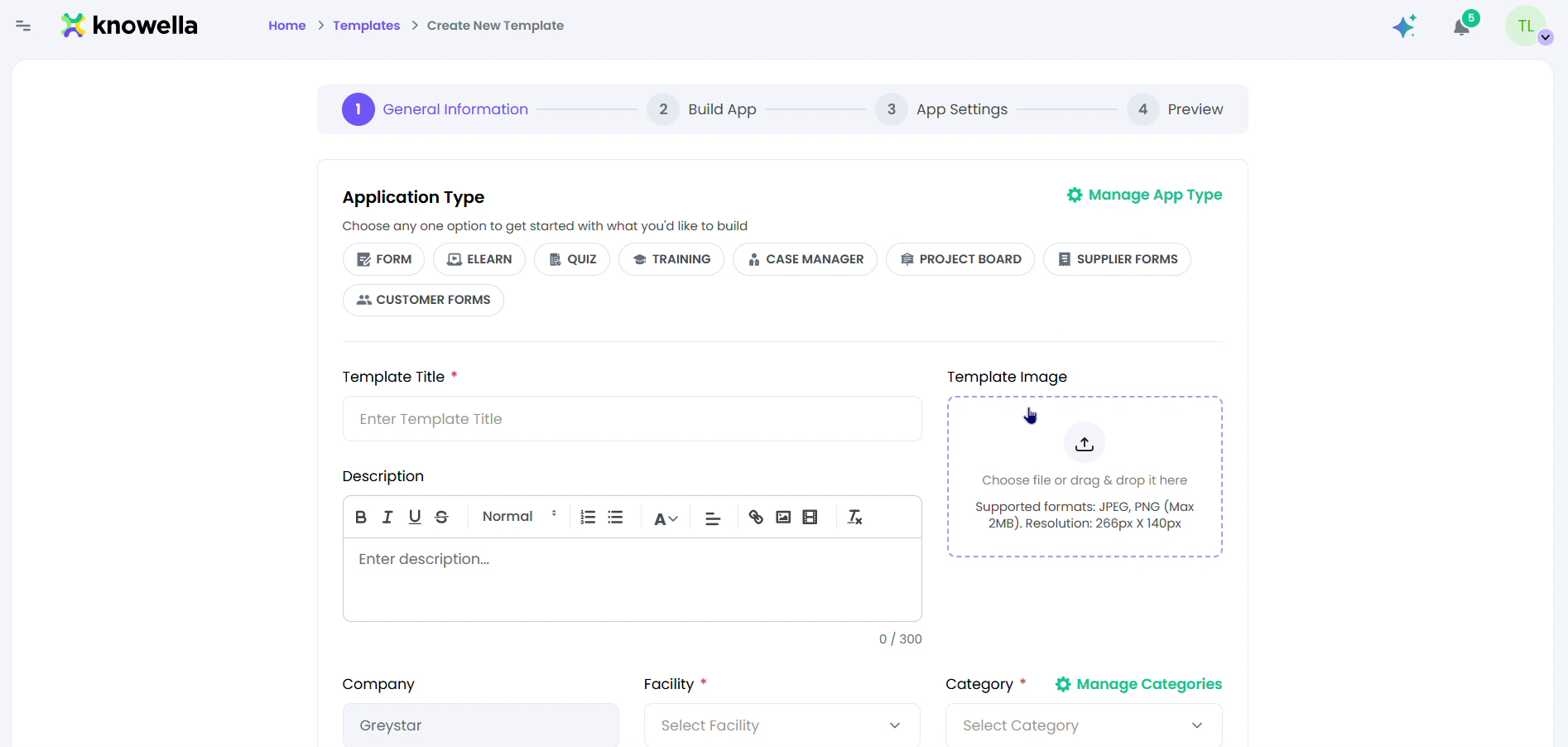
Create it
Start a template in App Builder — pick a type, name it, and scope it to a company and facility. (See the full App Builder guide for every option.)
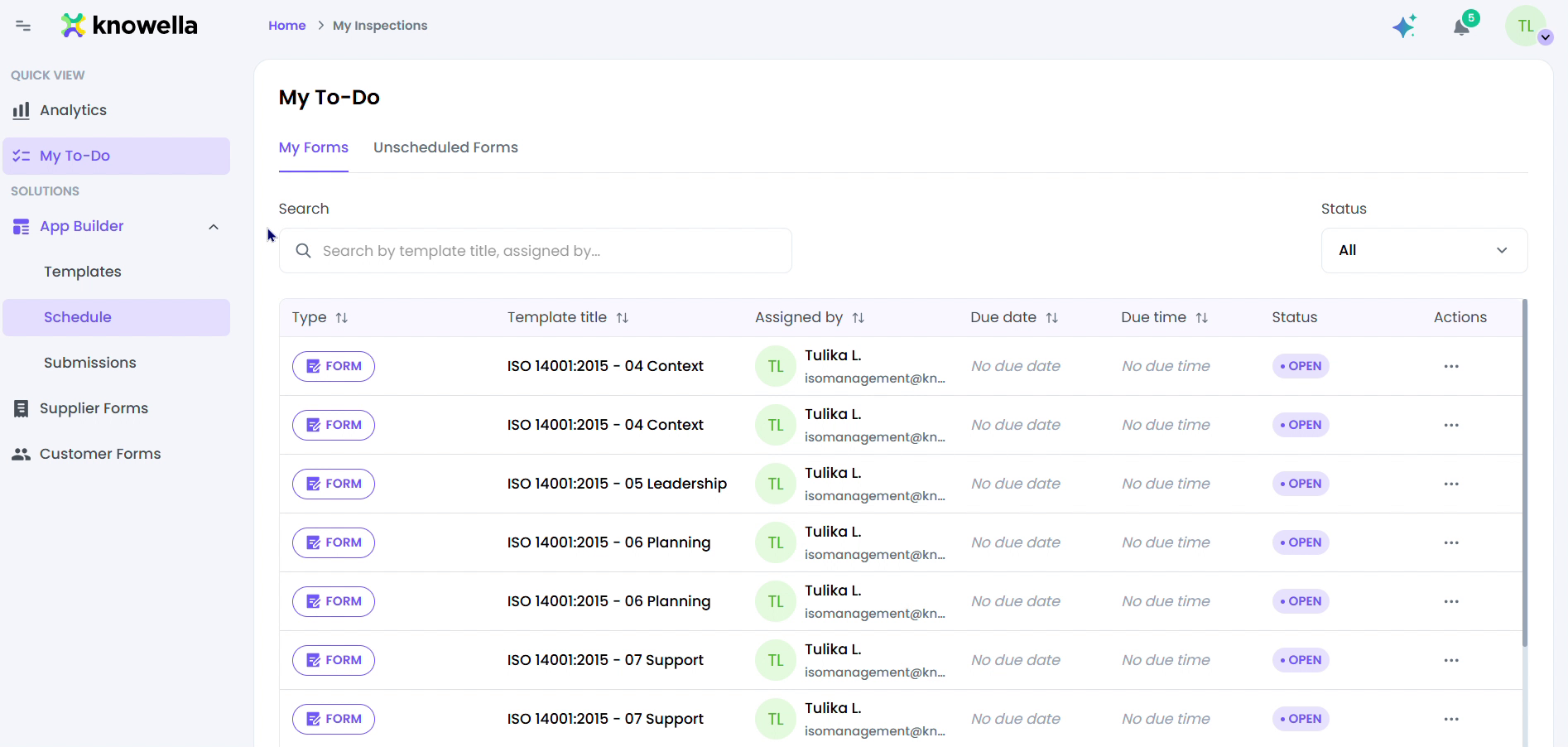
Assign & complete
Once published, the app shows up in your team's My To-Do. They open the record, fill it in on web or mobile, and submit — status updates in real time.
Why it matters
The screen here is App Builder's first step, General Information. You choose an Application Type (Form, eLearn, Quiz, Training, Case Manager, Project Board, or Supplier/Customer Forms), give the app a Template Title and cover image, and scope it to a Company, Facility, and Category. This is where a brand-new app gets its identity before you add a single field — see the full App Builder guide for every option.
Ready to build your own?
Start free and ship your first app in minutes — or have us set it up with you.
More resources