
Roles & permissions, explained
Give people exactly the access they need — no more, no less.
Scope access by role
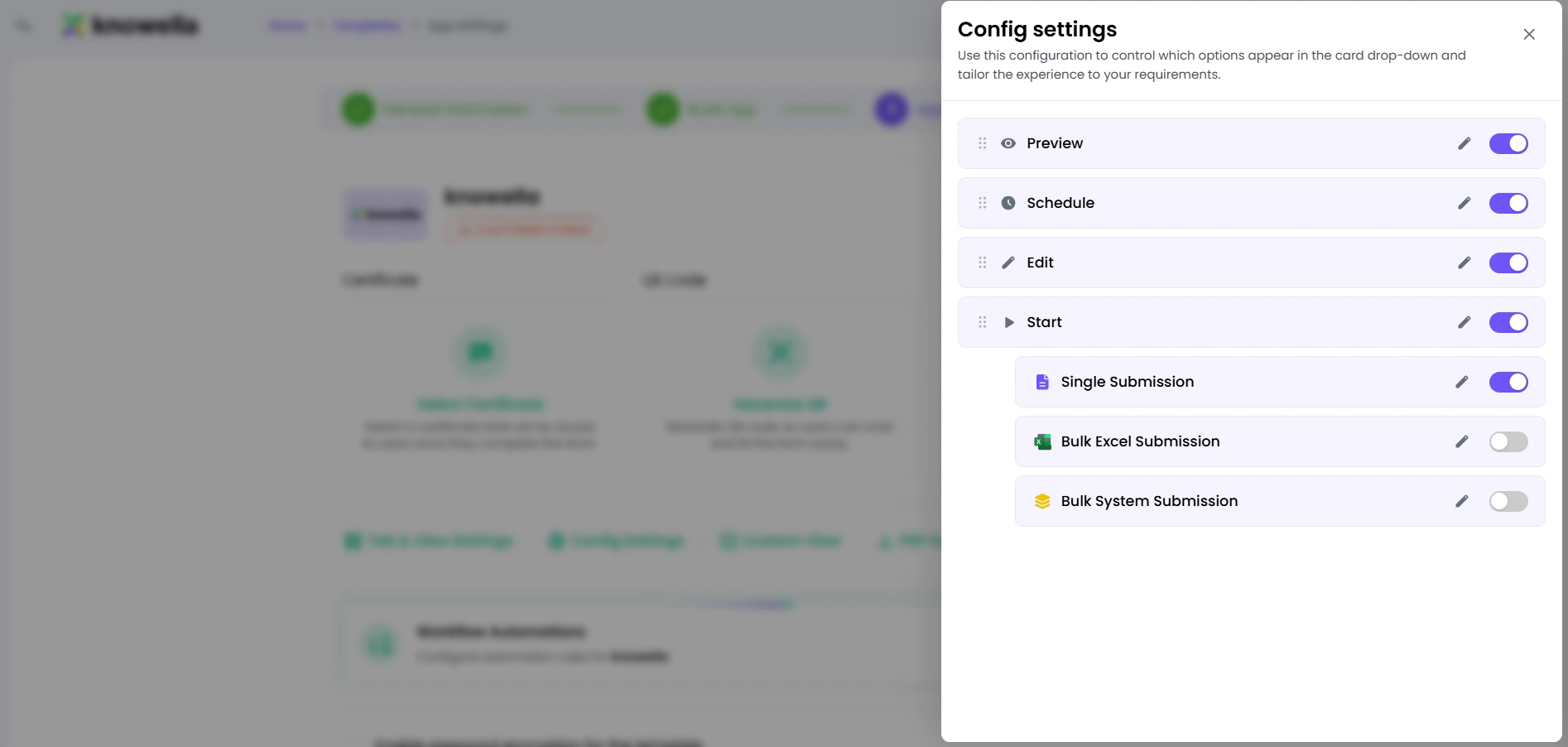
The settings shown are where access is defined. Roles bundle permissions — who can view, create, edit, and approve — and each is scoped to specific companies, facilities, and apps. Assign a role to a person and their access matches their job; the toggles here are what keep a site lead seeing their site and approval rights with the people who should hold them.
- Roles — Bundle permissions into roles you assign to users.
- Scope — Limit access by company, facility, and app.
- Approval rights — Control who can sign off on gated actions.
Permission follows the person's job
A role decides who can view, create, edit, and approve within each app. Assign the role to a person and their access matches their responsibilities — change the role and access updates instantly.
Scoped to the right slice
Because roles are scoped by company and facility, a site lead sees their site rather than the whole org, and approval rights can be reserved for the people who should actually sign off.
Ready to build your own?
Start free and ship your first app in minutes — or have us set it up with you.
More resources