
How integrations work in Knowella
The overview — where your data comes from, and how Knowella keeps it in sync.
Connect your systems of record
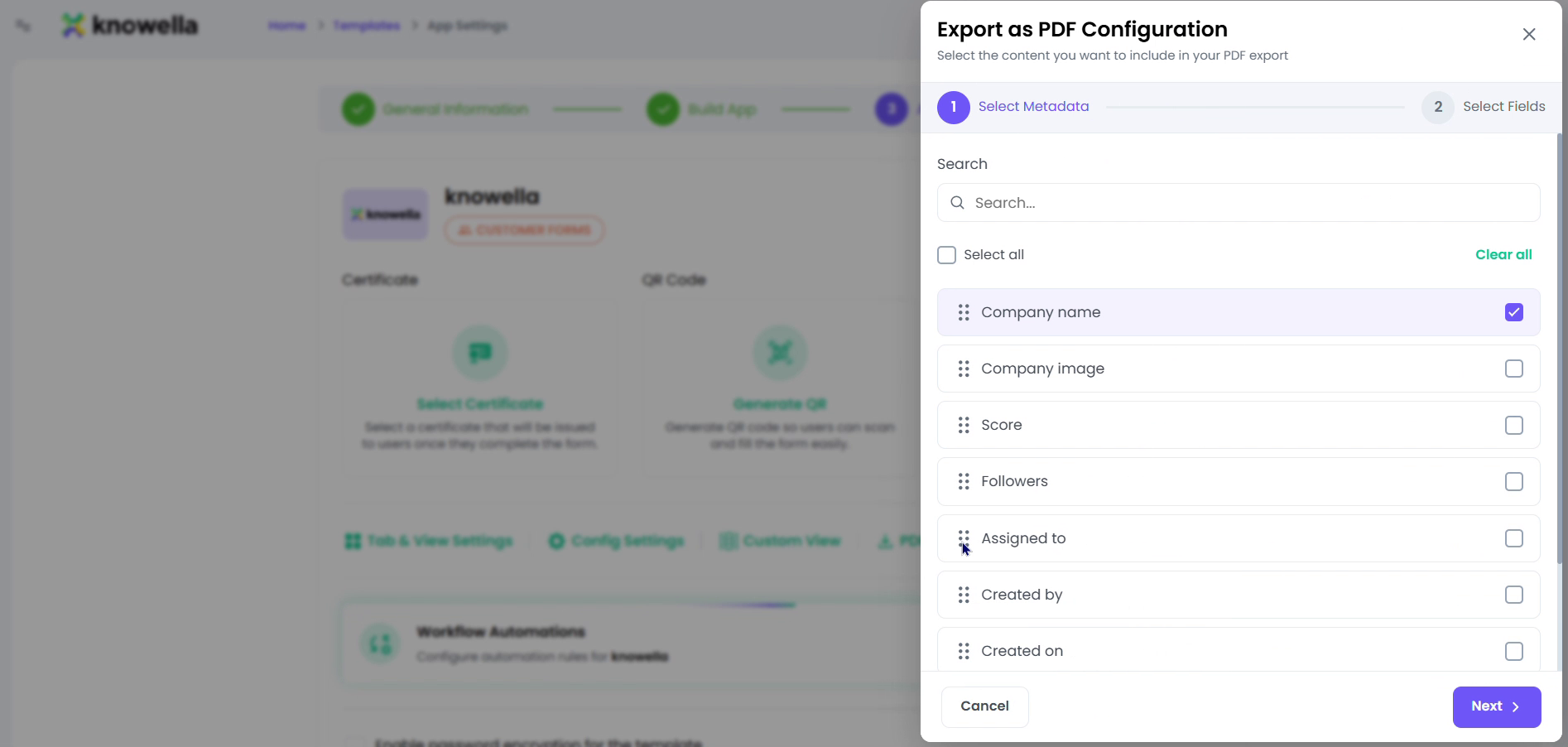
The configuration screen shown is where data crossing Knowella's boundary is controlled. Knowella reads from and writes back to the systems you already run — ERP, TMS, WMS, CRM — and the same settings govern how records leave as documents. What the screen embodies is a single source of truth: information flows in, gets acted on, and flows back out, without anyone re-keying it.
- Systems — ERP, TMS, WMS, and CRM as sources of truth.
- Documents — Email and PDF ingestion turns inbound paperwork into structured data.
- Standards — EDI and non-EDI data, plus API & webhooks for everything else.
Read and write, both directions
Knowella can pull from your ERP, TMS, WMS, or CRM and write results back, keeping one source of truth instead of a pile of disconnected exports. Connections are configured per workspace.
Documents and standards
Inbound email and PDFs are read and turned into structured records, EDI and non-EDI data are both supported, and an API plus webhooks cover anything custom — with the same human-approval gate on whatever writes back.
Ready to build your own?
Start free and ship your first app in minutes — or have us set it up with you.
More guides in Integrations
More resources