
Ask Ella to do a task
A worked example — turn an incident into a drafted corrective action.
2 min read Real product screens
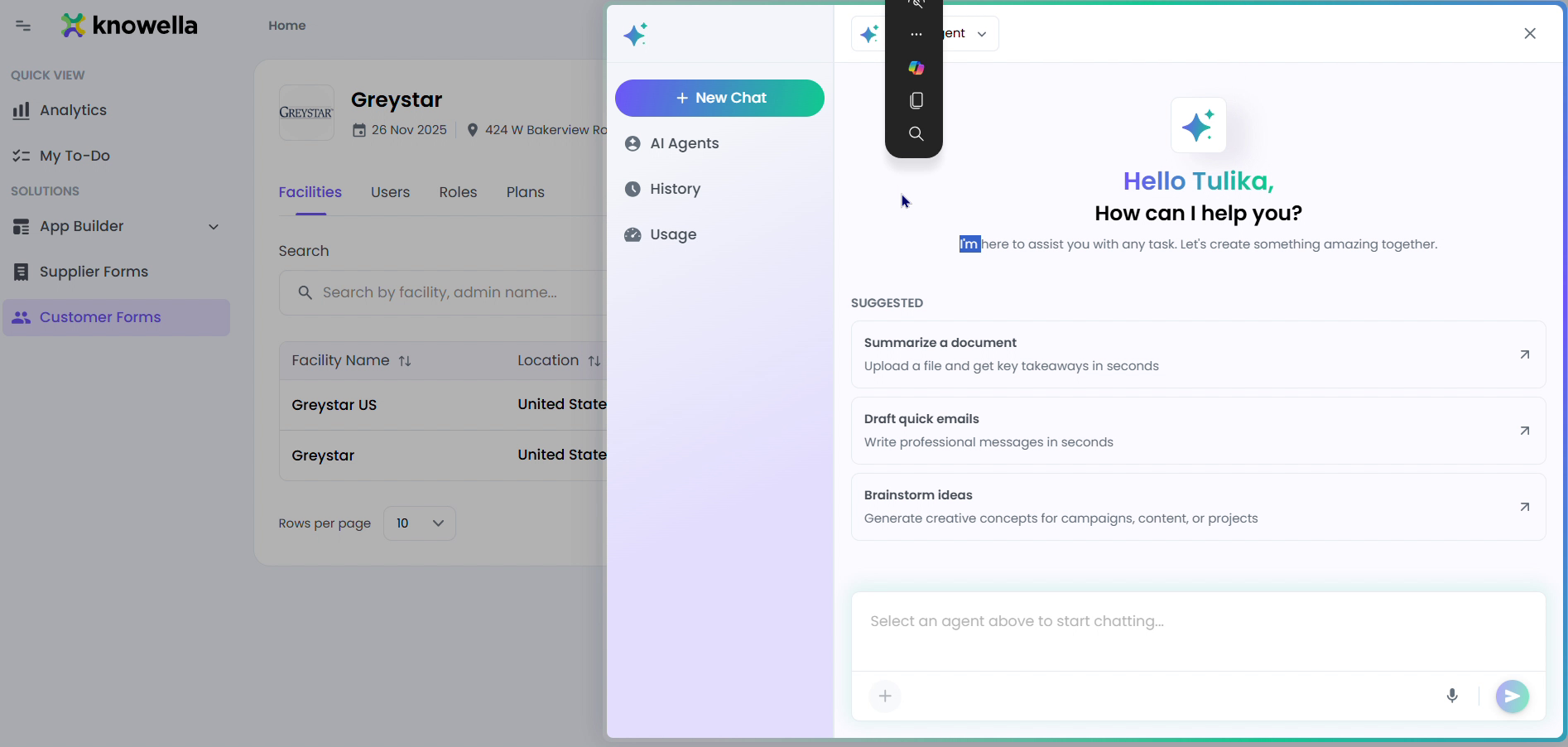
The clearest way to understand Ella is to watch her handle a real request. You ask in plain language and she turns it into prepared work you can approve — here is what that looks like in practice.
app.knowella.com
1
Plain-language requests
Type something like "Draft a CAPA from this incident" or "Assess the packing-station lift from this video." Ella prepares it and hands you a ready-to-review draft — you approve to make it real.
2
From a sentence to a finished draft
In this chat you can see a real request in flight. You type something like “Draft a CAPA from this incident,” and Ella works in the background — pulling the relevant details and assembling them into the right form — then returns a complete draft in the conversation. The screen is deliberately simple: a prompt, a plain-language ask, and a result you approve.
Ready to build your own?
Start free and ship your first app in minutes — or have us set it up with you.
More resources